A Reliable Solution for Professional Diagramming
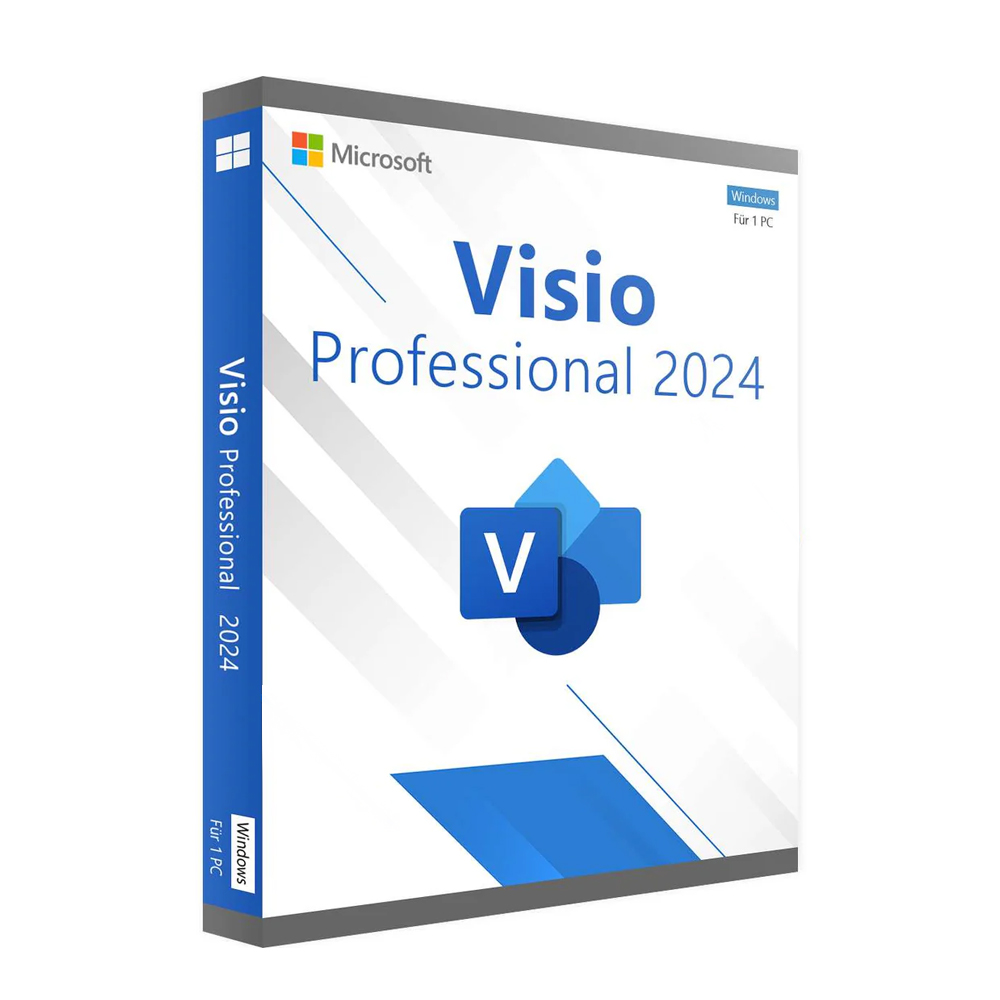
Visio Professional 2024 is designed for professionals and organizations that require clear, accurate, and visually structured diagrams. It offers a streamlined workspace, a refined interface, and dependable performance that supports demanding workflows. Whether you create flowcharts, network diagrams, floor plans, or process maps, this version provides the tools needed to work efficiently and confidently.
Smart User Interface for Structured Productivity
Efficient Layout and Easy Navigation
Visio Professional 2024 provides an organized interface that helps users navigate complex diagrams with ease. Shapes, templates, and stencils are arranged so you can find what you need without losing time switching between tools. This thoughtful design ensures a smooth, distraction-free working experience.
Improved Performance for Large Projects
Handling large or detailed diagrams is faster and more stable. The updated engine ensures consistent performance, even when working with multiple layers, intricate shapes, or imported data sets. This reliability is especially useful for engineers, analysts, IT professionals, and enterprise-level teams.
Built-In Security and Compliance
Security remains a top priority. Visio Professional 2024 includes improved information rights management (IRM), permission controls, and seamless integration with Microsoft 365 security features. Teams working with sensitive process data or compliance-driven documentation will appreciate the dependable protection across files and shared environments.
Tools That Support Business Productivity
Data-Driven Diagramming
Link diagrams to real-time data from sources like Excel, SQL Server, and SharePoint Lists. Automatically updating visuals help teams stay aligned with current information—ideal for business operations, IT planning, and project management.
Professional Templates & Shapes
From organizational charts to IT topology diagrams, Visio Professional 2024 includes hundreds of refined templates that support fast and consistent documentation across industries.
Download Visio Professional 2024 and Microsoft Office
Pairing Visio Professional 2024 with your Microsoft Office suite allows all apps to work together smoothly. Save, share, and collaborate across your Office environment while maintaining consistent formatting and structure.
Download from here…
What Will You Receive When You Purchase Visio Professional 2024 from Digitalsoftwarekey?
-
Genuine lifetime license
-
Fast digital delivery
-
Step-by-step installation guide
-
Secure activation key
-
Customer support for installation assistance
Purchase and Download Visio Professional 2024
Your license will be delivered instantly via email. Installation is quick, and activation is completed in minutes, allowing you to start using your software without delays.
What Happens if You Format or Replace Your PC?
Your license remains valid. Visio Professional 2024 includes lifetime activation, meaning you can reinstall on the same device whenever needed.
Are You a Reseller?
Digitalsoftwarekey also works with IT partners and resellers. If you require bulk licensing, reach out for tailored options.
Support Email : support@digitalsoftwarekey.com
System Requirements
| Component | Requirement |
|---|---|
| Operating System | Windows 10 / Windows 11 |
| Processor | 1.6 GHz or faster |
| RAM | 4 GB (64-bit) |
| Storage | 4 GB available space |
| Display | 1280×768 resolution |
| License Type | Lifetime Retail License |
Call to Action
Upgrade your workflow with Visio Professional 2024 and bring clarity to every project. Get your genuine lifetime license today and start creating diagrams with confidence.